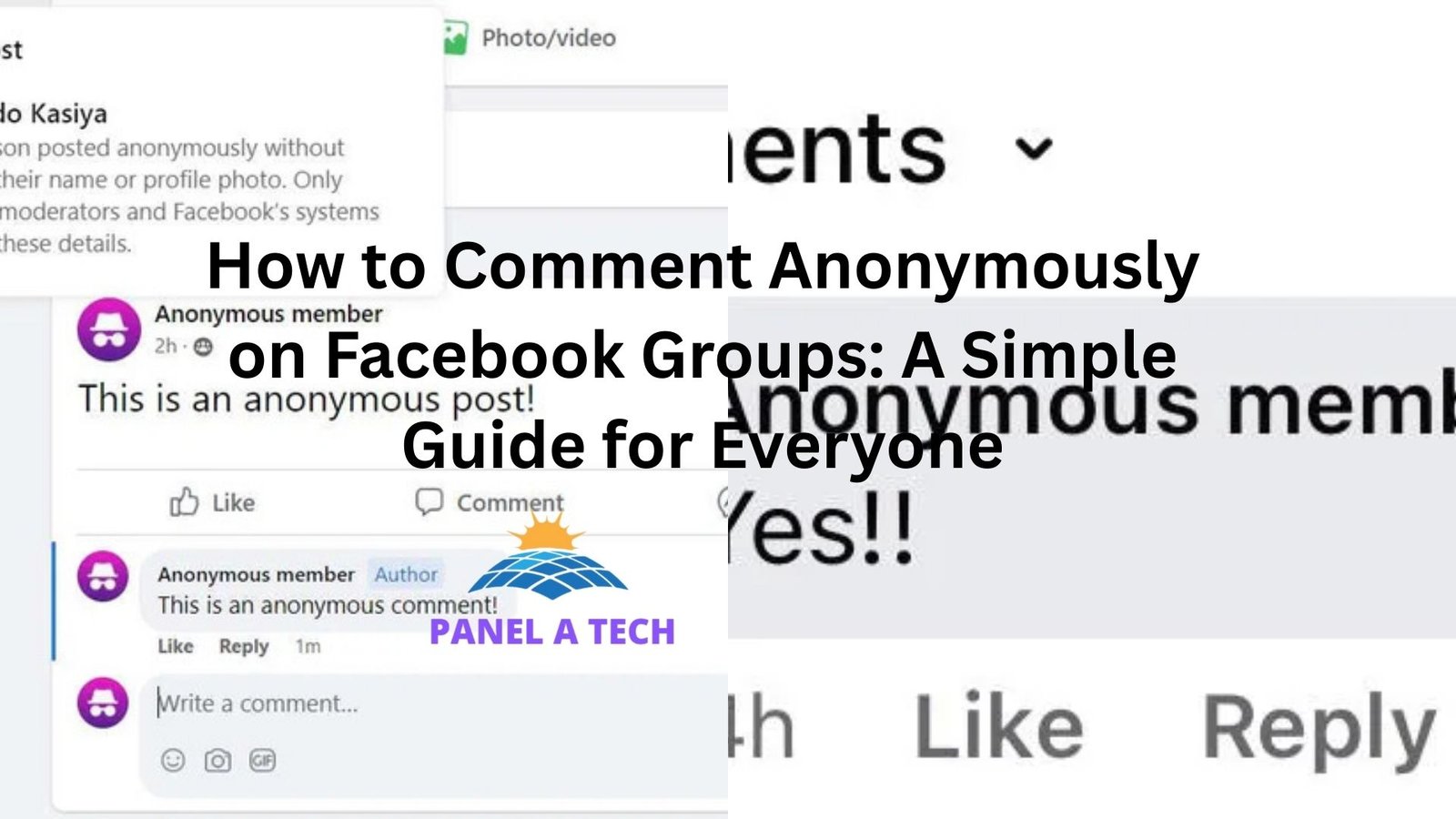
Have you ever wanted to share your thoughts, ask a personal question, or comment on something in a Facebook group—but without revealing your name? You’re not alone. Maybe you’re going through a rough patch and want advice. Or perhaps you just want to say something controversial but are worried about judgment. Commenting anonymously on Facebook groups sounds like a dream come true, right? Good news—it’s actually possible (in certain groups), and I’m going to walk you through how it works, step by step. But before we jump in, let’s talk about why people want to comment anonymously—and why it’s become such a big deal in the age of social media.
Why People Want to Comment Anonymously on Facebook
Let’s be real for a second: Facebook is not known for its privacy. When you post or comment, your name, profile photo, and sometimes even where you work is right there for the world (or at least the group) to see.
Here’s a little story:
“I was in a parenting group and wanted to ask for help about my child’s sleep regression. But the thing is, my in-laws and a few coworkers were in the same group. I didn’t want them to see that I was struggling. I just wanted honest advice, without the judgment.”
Sound familiar? Whether it’s about parenting, relationships, health, or politics, many people want a safe space to talk without revealing their identity. That’s where anonymous Facebook group posting comes in.
What Does “Anonymous Commenting” Mean on Facebook?
Let’s clarify something up front: You can’t comment anonymously in every Facebook group. Facebook offers a “Anonymous Post” feature—but it’s limited to posts, not comments, and only if the group admins have turned it on. So, if you’re wondering how to comment anonymously on Facebook, the answer is a bit nuanced.
Here’s the honest truth:
- You can make anonymous posts in some Facebook groups.
- You cannot comment anonymously on other people’s posts—even if you made an anonymous post.
- There are workarounds, but they come with trade-offs (more on that later).
Step-by-Step Guide: How to Post Anonymously in a Facebook Group
Before we dive into how to comment anonymously, let’s talk about how to post anonymously, since that’s the feature Facebook actually offers.
Step 1: Join a Facebook Group That Allows Anonymous Posts
Not all groups support this. Group admins have to enable the anonymous posting feature. To find out if a group allows it:
- Go to the group.
- Tap on the “Write something…” box.
- If the group supports anonymous posts, you’ll see an option that says “Post Anonymously.”
If you don’t see it, the feature isn’t enabled in that group.
Step 2: Click “Post Anonymously”
Once you see the “Post Anonymously” button:
- Tap it.
- Facebook will show you a screen explaining how anonymous posts work.
- Confirm that you understand, and click “Continue.”
Important: Your identity will still be visible to group admins and moderators, but not to regular members.
Step 3: Write Your Anonymous Post
Now just write your message like you normally would. Share your question, story, or opinion. When you’re ready, click “Post” and Facebook will publish it under the label “Group Member” instead of your name.
Step 4: Wait for Responses
This is the hard part. You’ll be able to see the comments, but—again—you can’t reply to them anonymously. So if someone asks a follow-up question on your post and you want to respond, you’ll have to either:
- Break your anonymity and reply as yourself, or
- Not respond at all.
This limitation brings us back to our main question…
So, Can You Comment Anonymously on Facebook?
Here’s the short answer: Facebook does not currently allow anonymous commenting on others’ posts—or even on your own anonymous post. It’s kind of a bummer. But don’t worry. There are creative workarounds. Let’s walk through them.
Workarounds to Comment Anonymously on Facebook Groups
If you’re determined to comment without showing your real name, here are a few options people are using:
1. Use a Secondary (Anonymous) Facebook Account
Many users create a separate Facebook profile with a different name and minimal identifying info. You might call it “Anonymous Anna” or something generic.
Pros:
- Total control over your identity.
- You can post and comment freely.
Cons:
- Facebook’s rules technically limit users to one personal account.
- You may risk having the account flagged or banned.
Pro Tip: If you go this route, don’t use fake names like “Batman” or “Anonymous123.” Facebook’s algorithms can flag obviously fake names. Use a real-sounding name that still gives you privacy.
2. Use Messenger to Respond Privately
If you made an anonymous post and someone replies asking for more info, you can message them directly.
Say something like:
“Hey! I’m the person who made the anonymous post in the group earlier. Just wanted to follow up privately.”
Pros:
- You keep your identity limited to just that person.
- You avoid public exposure.
Cons:
- Only works if the commenter accepts messages from non-friends.
- Still not totally anonymous.
3. Ask a Trusted Friend to Post or Comment for You
Sometimes you just need to outsource.
A woman in a health group wanted to ask about an embarrassing condition. So she asked her sister to post and reply for her. Problem solved!
Pros:
- You stay anonymous.
- You get the conversation going.
Cons:
- You need to trust the person 100%.
- You can’t interact directly with replies.
4. Suggest to Admins That They Allow Anonymous Posts
If your favorite Facebook group doesn’t offer anonymous posting, ask the admins to consider enabling it. It’s simple:
- Send a private message.
- Explain why you think it would benefit the community.
- Share examples of how other groups use the feature successfully.
You’d be surprised—many group owners are open to feedback.
Common Questions About Anonymous Facebook Comments
Can admins see who made an anonymous post?
Yes. Group admins and moderators can see your name—but regular members can’t.
Can I reply to comments on my anonymous post?
Yes, but your name will be shown in the reply. So it’s no longer anonymous.
Can I turn off commenting on my anonymous post?
No, unfortunately Facebook doesn’t give you that control in groups.
Best Practices for Protecting Your Privacy on Facebook
Even if you can’t always comment anonymously, here are some ways to stay more private on Facebook.
Adjust Your Profile Privacy Settings
- Limit who can see your posts.
- Hide your friends list.
- Remove identifying details from your profile.
Don’t Overshare in Public Groups
Even if you use your real name, you don’t have to share everything. Be selective. It’s your right to protect your story.
Think Before You Post
Sometimes it’s worth asking yourself:
“If someone I know saw this comment, would it be a problem?”
That’s a great gut-check to avoid oversharing.
Real-Life Stories: Why Anonymous Commenting Matters
Story 1: The Relationship Dilemma
A man wanted advice on whether to stay in his relationship. But his girlfriend was in the same group. An anonymous post saved the day. He got over 50 heartfelt responses and said it helped him make a more informed decision.
Story 2: The Health Scare
One woman had early symptoms of an illness she was scared to talk about. She made an anonymous post in a women’s health group. The support she got led her to seek a doctor’s help earlier than she would have otherwise.
Final Thoughts: What to Remember
Commenting anonymously on Facebook isn’t always straightforward, but it’s possible—in a limited way.
Here’s what you need to remember:
- Anonymous posts are allowed in some groups.
- Anonymous comments are not supported directly.
- You can use workarounds like alternate accounts or private messaging.
- Respect Facebook’s policies and your group’s rules.
- Protect your mental health and privacy. You deserve safe spaces to speak.